

Description
ProformancePlus is a powerful, beginner-friendly WordPress contact form builder with a drag & drop visual designer, smart delivery system, and a full suite of tools to manage, analyze, and protect your form submissions.
Visual Form Builder
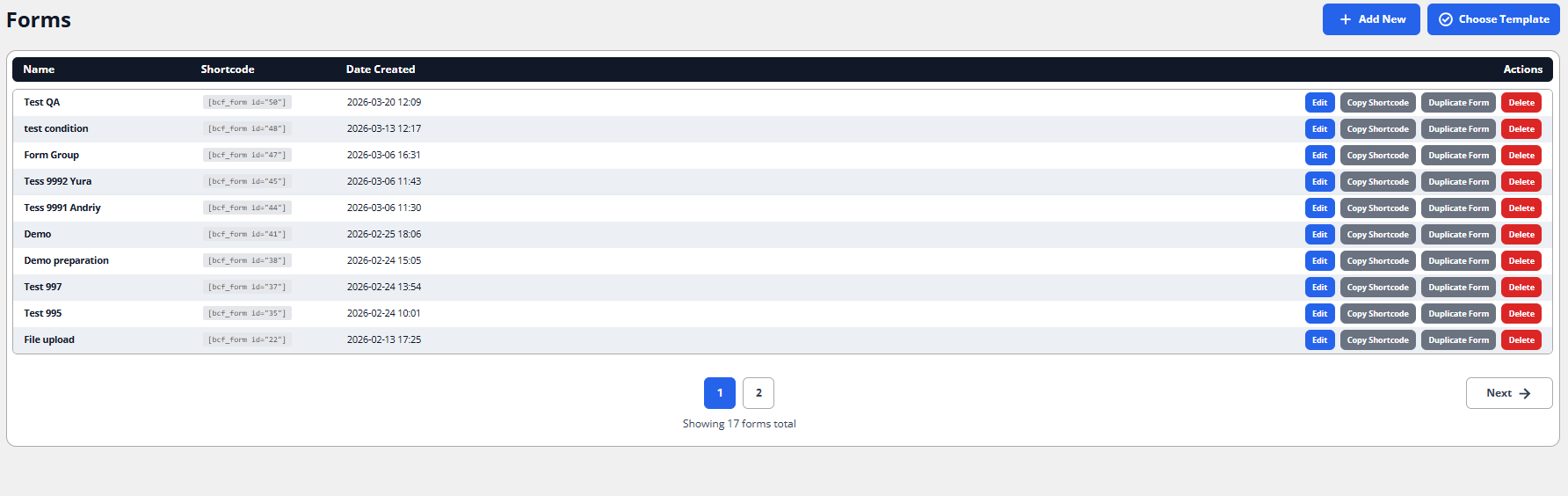
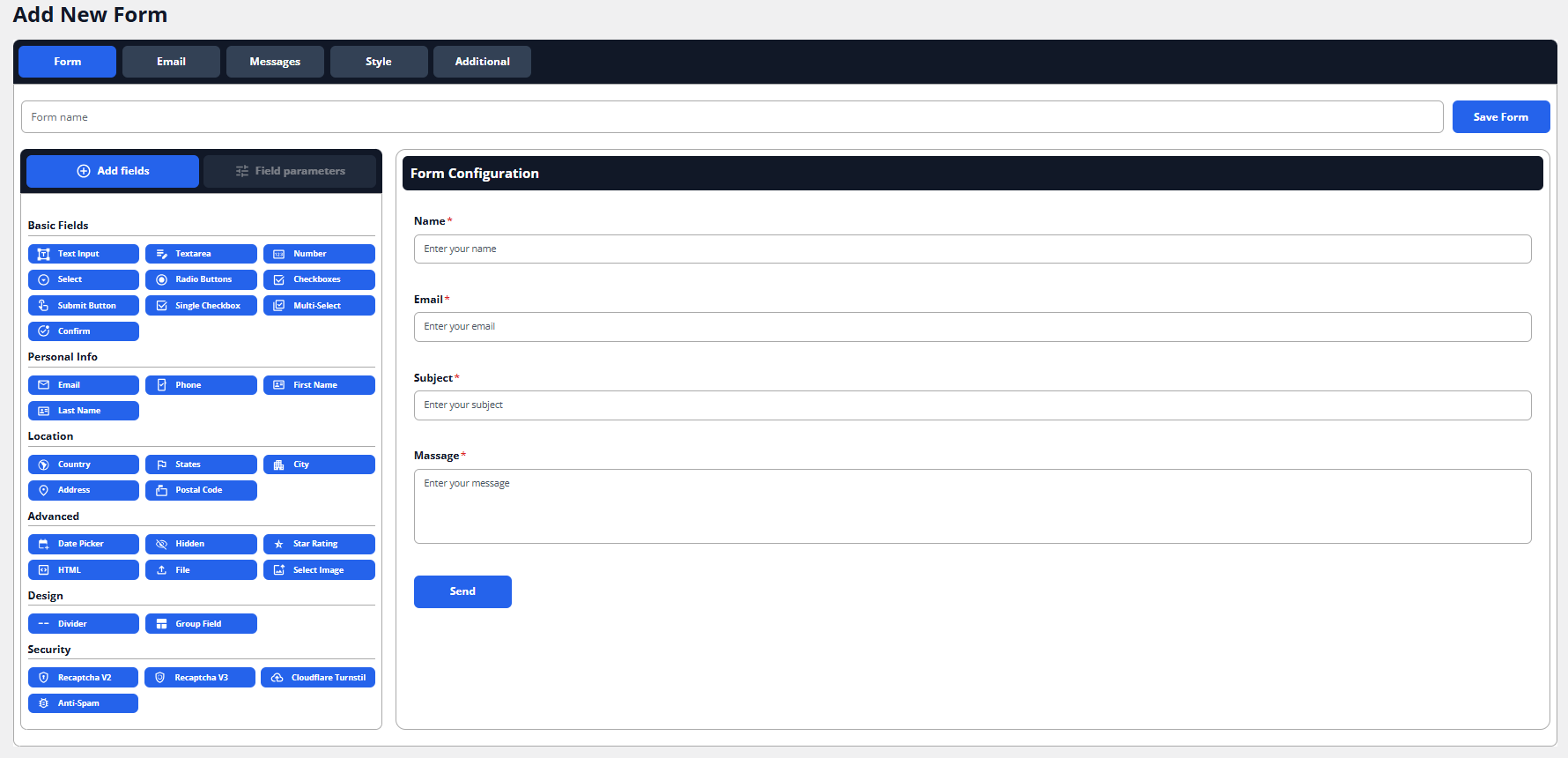
Build professional contact forms in minutes using the intuitive drag & drop interface — no coding required. Choose from a wide variety of field types and pre-built form templates to get started quickly.
Conditional Fields
Create smart, dynamic forms with conditional logic. Show or hide fields based on user input to deliver a personalized, streamlined experience.
Reliable Email Delivery
ProformancePlus uses a dual-method delivery system to maximize deliverability:
- SMTP/wp_mail Centralized Server — tries SMTP/wp_mail first, falls back to the Centralized Server
- Centralized Server SMTP/wp_mail — tries the Centralized Server first, falls back to SMTP/wp_mail
- If both methods fail, the plugin automatically falls back to native wp_mail as a last resort
Anti-Spam Protection
Multiple reCAPTCHA integrations keep bots and spam at bay, ensuring only real users can submit your forms.
Submission Logs
Every form submission is recorded in a detailed log. Review, search, and export submission history directly from the WordPress admin panel.
Submission Statistics
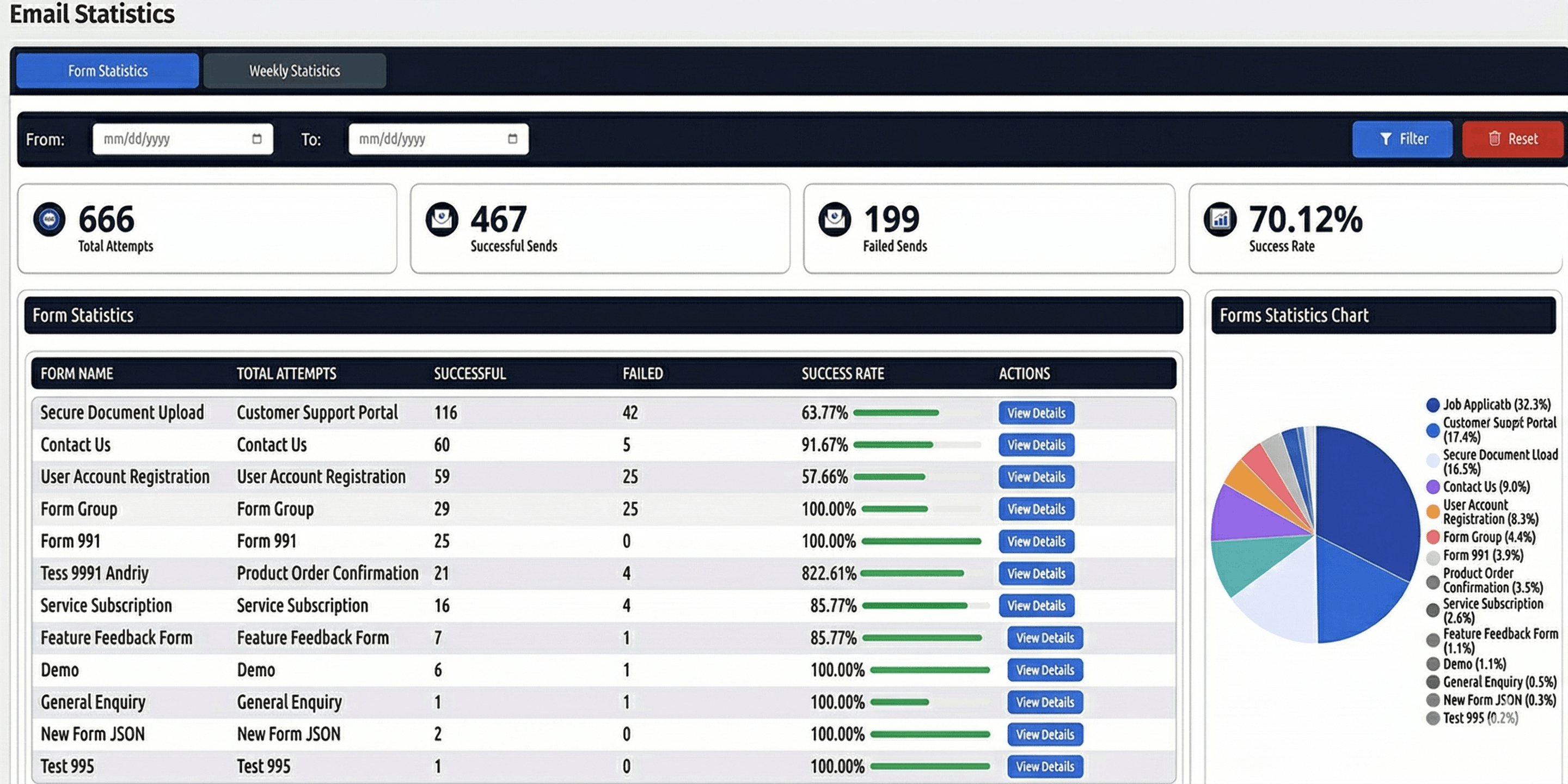
Track the performance of your forms with built-in submission statistics. Monitor submission trends over time and stay informed with optional weekly email reports.
Blacklist
Block unwanted users by email, IP address, or keyword. Submissions matching blacklist rules are automatically rejected before they reach your inbox.
Stripe Payments
Collect payments directly through your forms using the built-in Stripe integration (requires an active ProformancePlus Centralized Server connection with Stripe onboarding completed). Add Product fields to your form to define purchasable items with prices and quantities. When a user submits the form, they are redirected to a Stripe-hosted checkout page. Email delivery is held until payment is confirmed.
To enable payments for a form, go to the Payment tab in the form editor, check Enable Payments, select a currency, and save. The plugin automatically creates a success page and a cancel page for the form.
Key Features
- Drag & drop visual form builder
- Pre-built form templates
- Conditional (dynamic) fields
- Multiple reCAPTCHA options
- Dual-method email delivery with automatic fallback
- Submission logs
- Submission statistics with weekly email reports
- Blacklist (email, IP, keyword filtering)
- Stripe payment collection via Centralized Server integration
- Payment success and cancel page shortcodes with full order context
We look forward to seeing where you’ll take us!
Shortcodes
[profor_payment_success]
Displays a full order summary on the payment success page after a successful Stripe checkout.
Usage:
Place this shortcode on any WordPress page:
[profor_payment_success]
The plugin automatically creates a success page containing this shortcode when you save a form with payments enabled. You can also add it manually to any page.
What it displays:
- Payment status badge (Paid / Pending / Cancelled)
- Order reference number (short identifier)
- Order date and time
- Product table: item name, unit price, quantity, and subtotal for each product field in the form
- Grand total amount
- Customer details: all non-product form fields submitted by the user (name, email, phone, etc.)
How it works:
After a successful Stripe checkout, the customer is redirected to the success page with a profor_sid query parameter (submission ID). The shortcode reads this parameter, fetches the corresponding submission, and renders the order summary.
Example success page URL:
https://yoursite.com/payment-success/?profor_sid=42
Notes:
- If no
profor_sidparameter is present, or the submission is not found, a generic thank-you message is displayed instead. - Product field values (prices) are always read from the form schema stored in the database — never from URL parameters — for security.
- The shortcode is only meaningful when Stripe payments are enabled on the form and the submission has an associated payment.
Third-Party Libraries
This plugin includes the following third-party resources:
- Ace Editor
- Name: Ace (Ajax.org Cloud9 Editor)
- Website: https://ace.c9.io/
- Source Code: https://github.com/ajaxorg/ace
- License: BSD License
- File included: assets/js/ace.min.js
- Description: Ace is an embeddable code editor written in JavaScript. It is used to provide code editing functionality within the plugin
- Chart.js
- Name: Chart.js
- Website: https://www.chartjs.org/
- Source Code: https://github.com/chartjs/Chart.js
- License: MIT
- File included: assets/js/chart.js
- Description: Chart.js is used to render charts and statistics in the plugin.
Important Notes:
- The Turnstile script is loaded directly from the official Cloudflare CDN:
https://challenges.cloudflare.com/turnstile/v0/api.js - This script must not be bundled, proxied, or cached locally, as required by Cloudflare.
- The Ace Editor library is included in minified form. Its full source code is publicly available at the official GitHub repository linked above.
External services
This plugin connects to the following external services to provide its functionality:
- ProformancePlus API
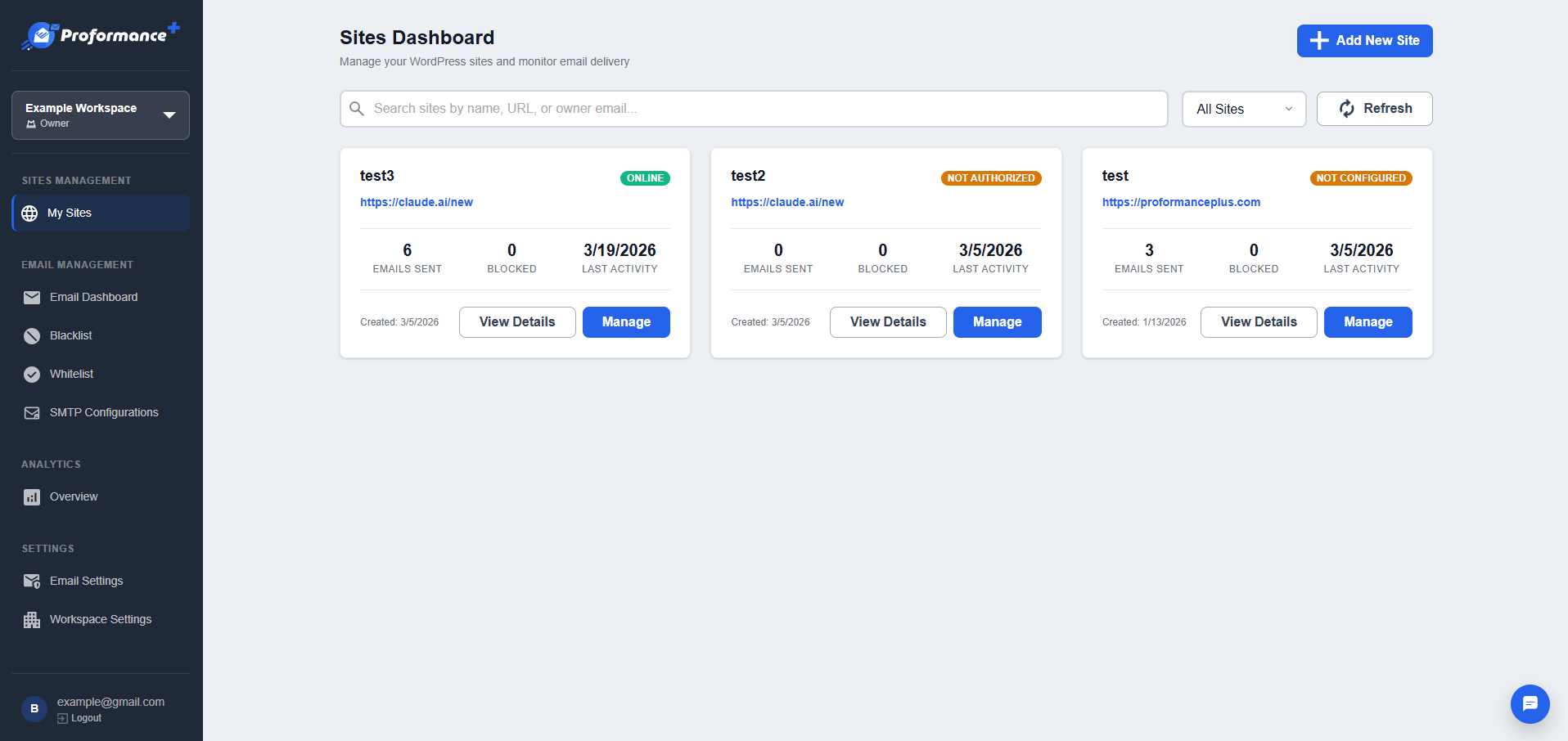
This plugin connects to a centralized API provided by ProformancePlus to synchronize data and process certain features such as blacklist management, form submissions, and configuration settings.
* What the service is used for:
The service is used to manage IP blacklists, store and process form submissions, and synchronize site configuration settings (such as SMTP and base path).
-
What data is sent:
Depending on enabled features, the plugin may send:- IP addresses (for blacklist synchronization)
- Website base URL
- Form submission data (user-entered data)
- SMTP configuration data
- API key used for authentication
-
When data is sent:
Data is sent when:- A form is submitted
- Blacklist data is synchronized
- Plugin settings are saved or updated
- Configuration data is synchronized with the remote service
-
Service endpoint:
https://proformanceplus.com/api/ -
Terms of Service:
https://proformanceplus.com/landing/terms-of-service/ -
Privacy Policy:
https://proformanceplus.com/landing/privacy-policy/
- Google reCAPTCHA
This plugin can use Google reCAPTCHA (v2 or v3) to protect forms from spam and automated abuse.
* What the service is used for:
Detecting and preventing automated submissions (bots).
-
What data is sent:
Google may collect:- User interaction data
- Browser and device information
- IP address
- Generated reCAPTCHA token
-
When data is sent:
- When the page with reCAPTCHA is loaded
- When the user interacts with the reCAPTCHA widget
- When a form is submitted and verification is performed
-
Service URLs:
https://www.google.com/recaptcha/
https://www.google.com/recaptcha/api/siteverify -
Terms of Service:
https://policies.google.com/terms -
Privacy Policy:
https://policies.google.com/privacy
- Cloudflare Turnstile
This plugin can use Cloudflare Turnstile as an alternative CAPTCHA service.
-
What the service is used for:
Protecting forms from spam and abuse without requiring user interaction in most cases. -
What data is sent:
Cloudflare may process:- User interaction signals
- Browser and device information
- IP address
- Generated Turnstile token
-
When data is sent:
- When the Turnstile widget is loaded
- When a challenge is executed
- When the token is validated on form submission
-
Service URLs:
https://challenges.cloudflare.com/turnstile/
https://challenges.cloudflare.com/turnstile/v0/siteverify -
Terms of Service:
https://www.cloudflare.com/terms/ -
Privacy Policy:
https://www.cloudflare.com/privacypolicy/
Screenshots
Installation
From your WordPress dashboard
- Visit ‘Plugins > Add New’
- Search for ‘ProformancePlus’
- Activate ‘ProformancePlus’ from your Plugins page. (You will be greeted with a Welcome page.)
From WordPress.org
- Download ‘ProformancePlus’.
- Upload the ‘ProformancePlus’ directory to your ‘/wp-content/plugins/’ directory, using your favorite method (ftp, sftp, scp, etc…)
- Activate ‘ProformancePlus’ from your Plugins page. (You will be greeted with a Welcome page.)
Reviews

Contributors & Developers
“ProformancePlus” is open source software. The following people have contributed to this plugin.
Contributors
Translate “ProformancePlus” into your language.
Interested in development?
Browse the code, check out the SVN repository, or subscribe to the development log by RSS.
Changelog
1.1.1
- Fixed the payment API endpoint to point to the production server instead of the test server
- Removed debug logging that wrote request/response data to plaintext files inside the plugin folder
- General cleanup ahead of the WordPress.org plugin review
1.1.0
- Ability to share your forms with other plugin users
- Ability to download other users’ forms from the central server